Save
Save text, photos, files and links in one place.
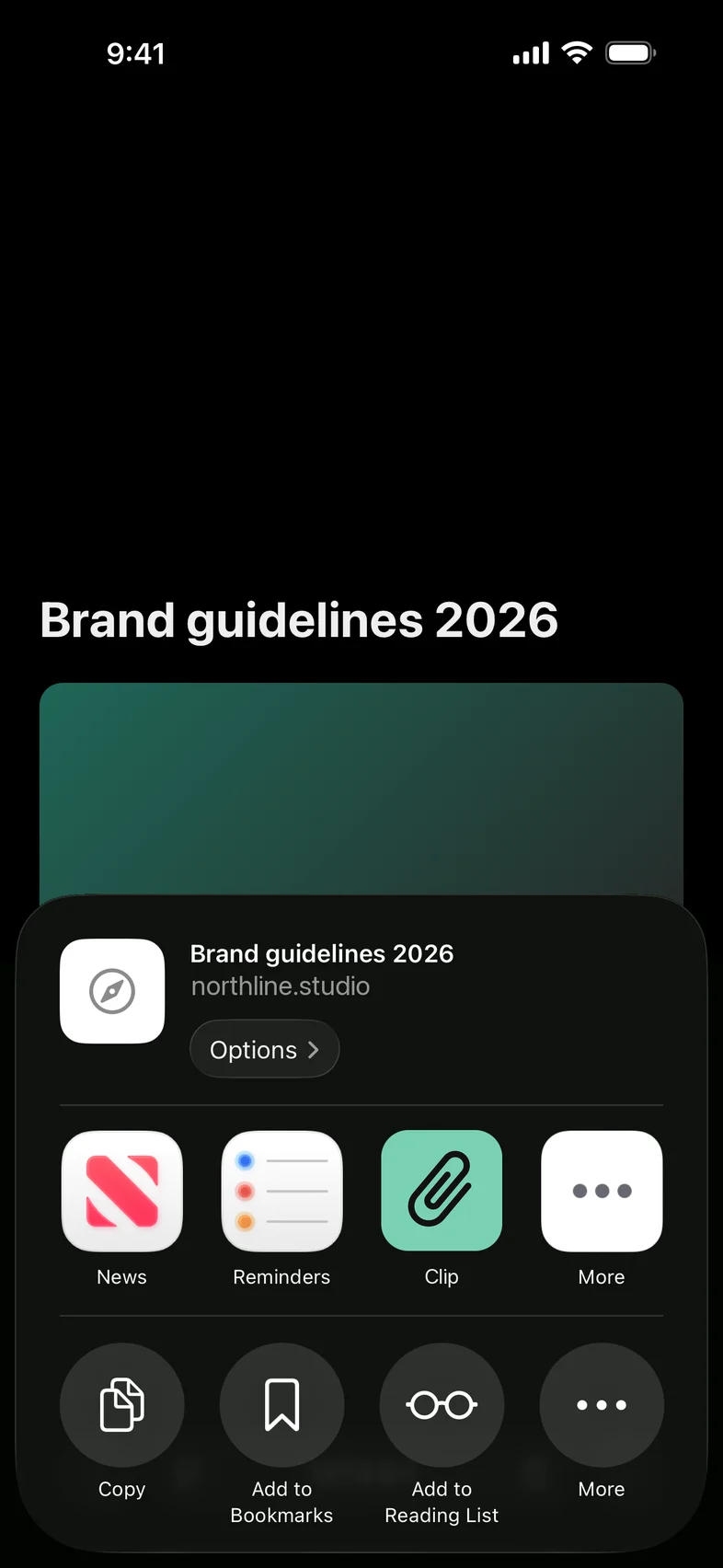
Tap Share in Safari, Photos, Files or Mail, or save what you just copied. A screenshot can live with the reply it belongs to, and a PDF with its link.
Clip
Clip keeps the replies, links, photos and files you send again and again, one tap away in any app.
Before and after
Today you leave the chat, dig through Notes, Files or Photos, copy, come back and paste. With Clip, the link shows up above the keys while you type your reply.
 Leave the chat
 Open Notes, Files or PhotosScroll for the right oneSelect and copySwitch back to the chatPaste
 Tap the link Clip suggests as you type
Text and links go straight in. Photos and files are copied for you to paste.
How it works
Save
Tap Share in Safari, Photos, Files or Mail, or save what you just copied. A screenshot can live with the reply it belongs to, and a PDF with its link.
Suggestions
Clip looks at what you’ve typed so far and puts matching saved items above the keys. Tap one to paste it. Matching happens on your iPhone.
Templates
Leave a spot for the name, date or price. When you paste, Clip asks for each one and puts in the finished text.
Search
Search titles, text and the words inside PDFs and screenshots, right from the keyboard, without leaving the conversation.
Forms
Company number, tax ID, a second address. Keep them together and tap each one into the field it belongs in.
Collections
Sort items into collections like Work or Clients. The same collections are in the keyboard, so you pick from a short list instead of everything.
Where you’ll find it
It works anywhere you can switch keyboards. iOS always uses Apple’s keyboard in password fields, and a few apps turn off third-party keyboards. There, copy the item from the Clip app or Spotlight instead.
iOS requires Full Access for a keyboard to put a photo or file on the clipboard. Text and links insert without it. The keyboard never sends what you type anywhere.
With a hardware keyboard attached, iPadOS hides the on-screen keyboard, Clip’s included. Tap the keyboard button in the bar at the bottom to bring it back, or copy an item from Spotlight, Siri, Shortcuts or the Clip app and paste as usual.
On your devices, and in your own iCloud if you turn sync on. Clip has no server of its own.

